

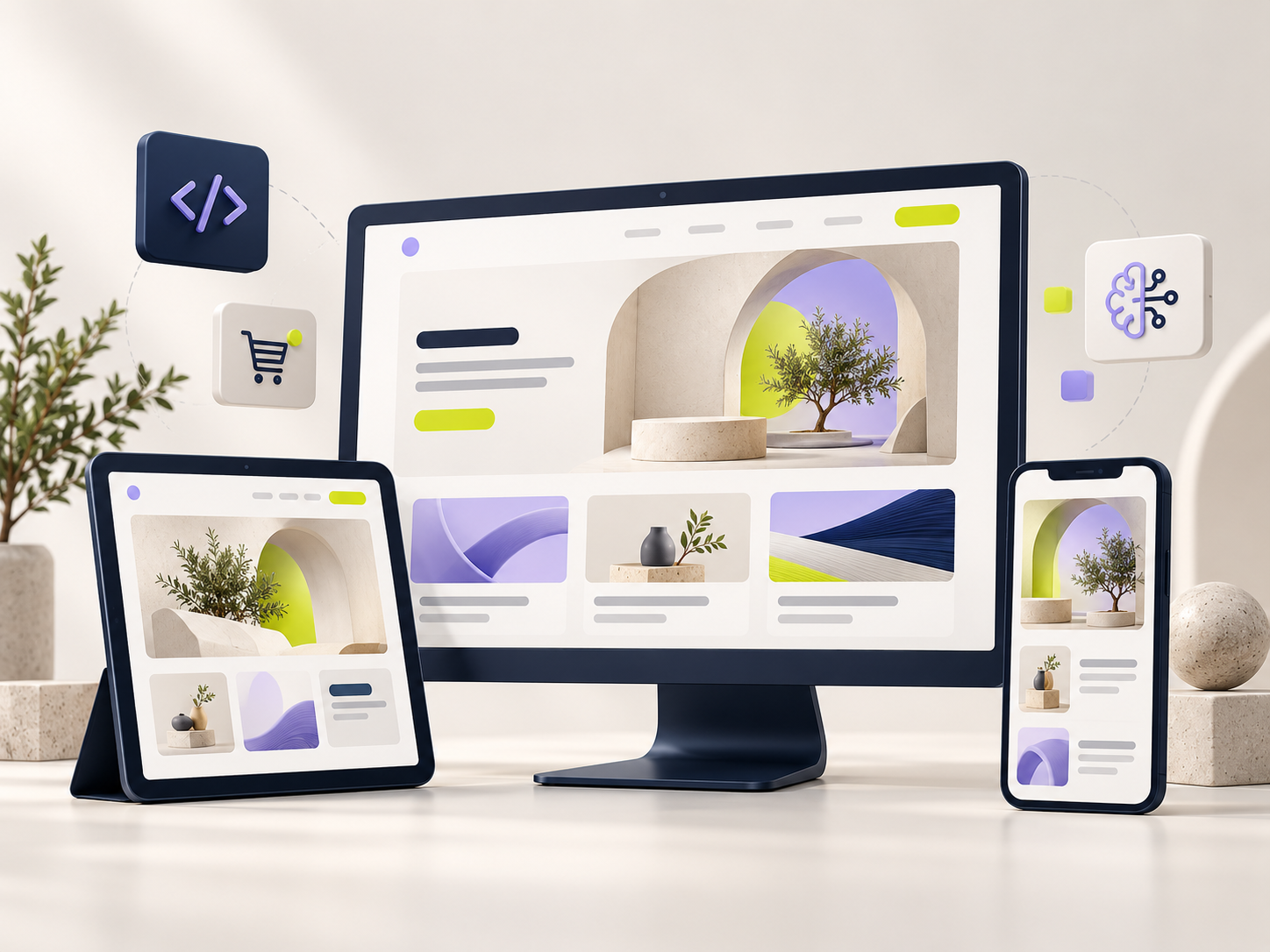
A good website starts with a clear idea: who it is for, what it needs to do, and how it should feel. The theme is the foundation. Your content and decisions make it yours.
Start with the purpose, then explore the design
Before comparing layouts, write down the one thing you most want a visitor to do. A studio might want project enquiries. A shop needs a clear route to products. A journal should make its stories easy to discover and read.
This small decision gives every page a job. It also makes choosing a theme easier: you can look beyond the first impression and ask whether the design supports the experience you want to create.
What to look for in a theme preview
Take your time with the live demo. Explore a complete journey, from the homepage to a detail page, and imagine replacing the example content with your own.
- Navigation: Can you understand where to go without stopping to think?
- Content: Do the layouts suit the images, text, and information you actually have?
- Editing: Does the theme support the page builder or editor you prefer?
- Mobile: Are the main actions comfortable to use on a smaller screen?
- Details: Have you checked the included files, compatibility, and license terms?
The most useful starting point is a design that makes your content clearer and your next step easier.
Match the foundation to the project
Different projects need different strengths. Use the table below as a starting point for your own brief, then check each product’s details before making a decision.
| Project | Design priorities |
|---|---|
| Business website | A clear introduction, understandable services, and a simple enquiry route. |
| Creative portfolio | Strong imagery, thoughtful project pages, and space for your own story. |
| Online store | Product discovery, useful product information, and a clear checkout journey. |
| Blog or journal | Comfortable reading, clear categories, and an easy way to find the next story. |
Make the content feel like you
Once you have a foundation, build around your real content. Start with your most important page. Add the words and images that explain your business, then adjust the spacing and visual rhythm around them.
A restrained color palette, consistent typography, and a few well-chosen images can give a website a confident identity. Keep the main actions easy to spot, and use headings that tell people what they can expect from each section.
A short checklist before launch
- Read the important pages with your visitor’s questions in mind.
- Check navigation, links, contact details, and form confirmation messages.
- Review the layout on a phone as well as a larger screen.
- Confirm that image choices and licenses fit your intended use.
- Make a plan for updates, backups, and future content.
Your next step
Explore the ThemeVisto catalog for a starting point, or share your idea with the studio if your project needs a custom approach. A clear brief and a thoughtful foundation can take you a long way.